



The Antminer S19 series — S19, S19 Pro, S19j Pro, S19 XP — remains one of the most widely deployed SHA-256 mining platforms in operation. These machines are built for endurance, but after two or more years of continuous 24/7 hashing, component failures are a matter of when, not if.
The economics are straightforward: in a post-halving environment where margins hinge on operational efficiency, repairing a proven machine almost always beats replacing it. A hashboard swap or fan replacement costs a fraction of a new unit and keeps your rack generating revenue instead of sitting idle.
Below are the five failure modes we see most frequently across the S19 lineup, along with the diagnostic steps and parts required to resolve each one.
1. Missing Hashboard or Zero Chip Count
Symptoms: The miner's kernel log or web dashboard reports fewer than three hashboards detected, or one board returns a chip count of 0. Hashrate drops by roughly one-third per missing board.
Root causes: This is a communication failure between the control board and the affected hashboard. The most common culprits, in order of likelihood:
- Loose or damaged flat ribbon cable between hashboard and control board
- Oxidized or bent connector pins on either board
- Failed voltage domain on the hashboard (one or more ASIC chips no longer receiving power)
- Dead ASIC chip(s) breaking the signal chain
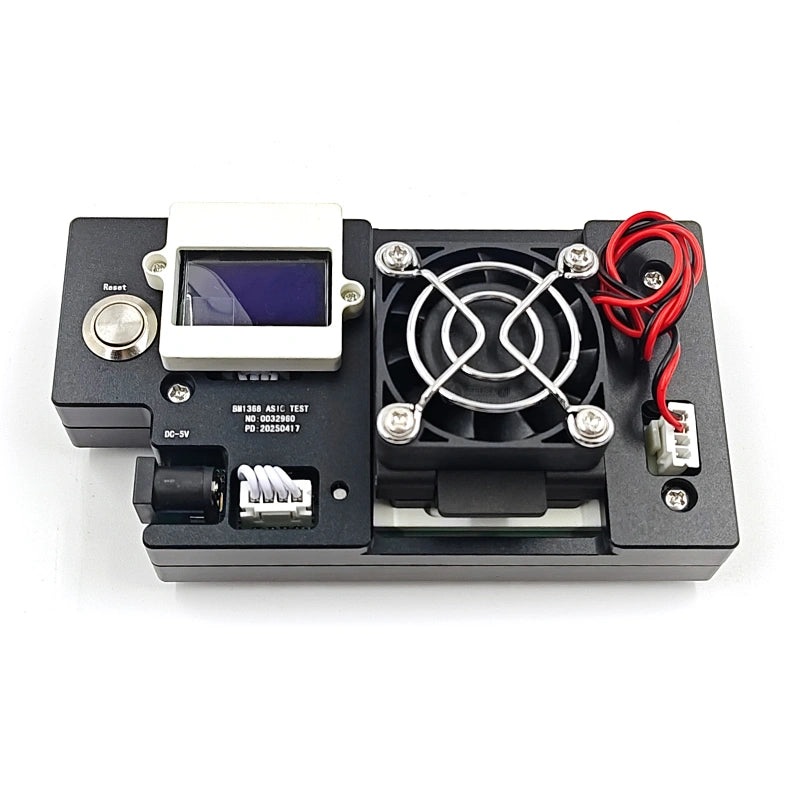
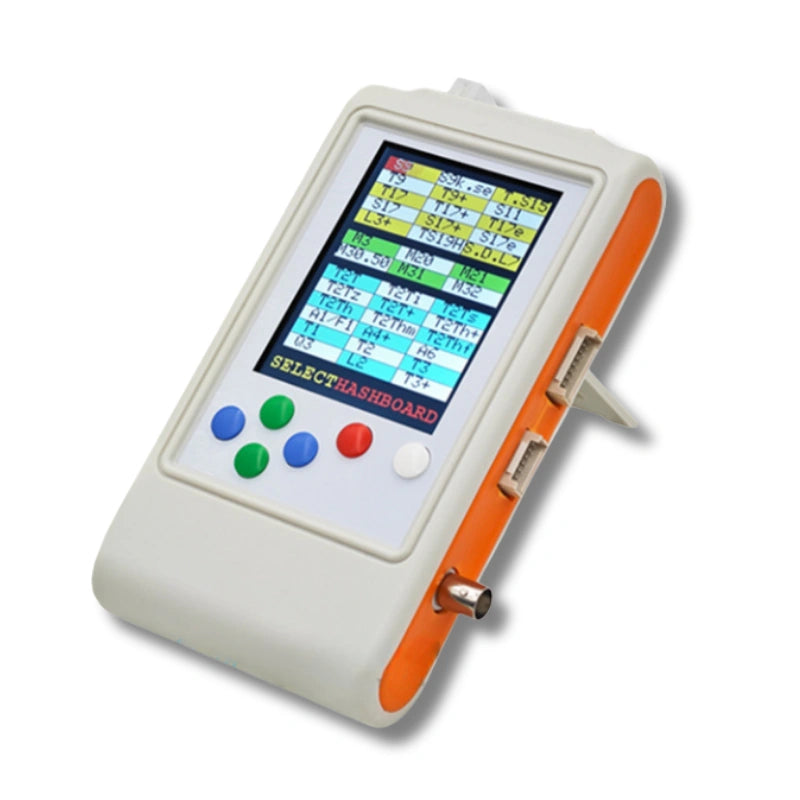
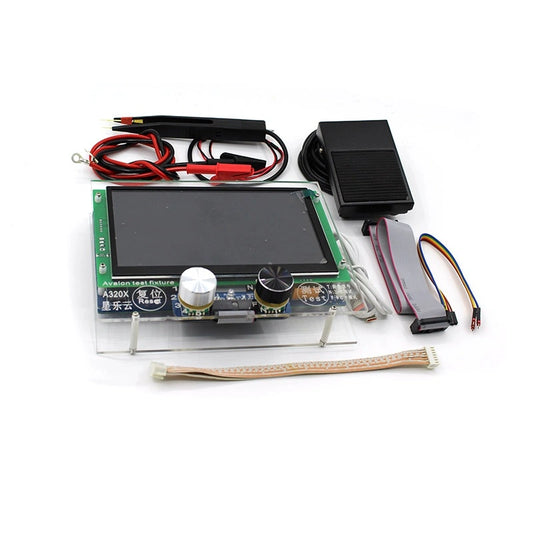
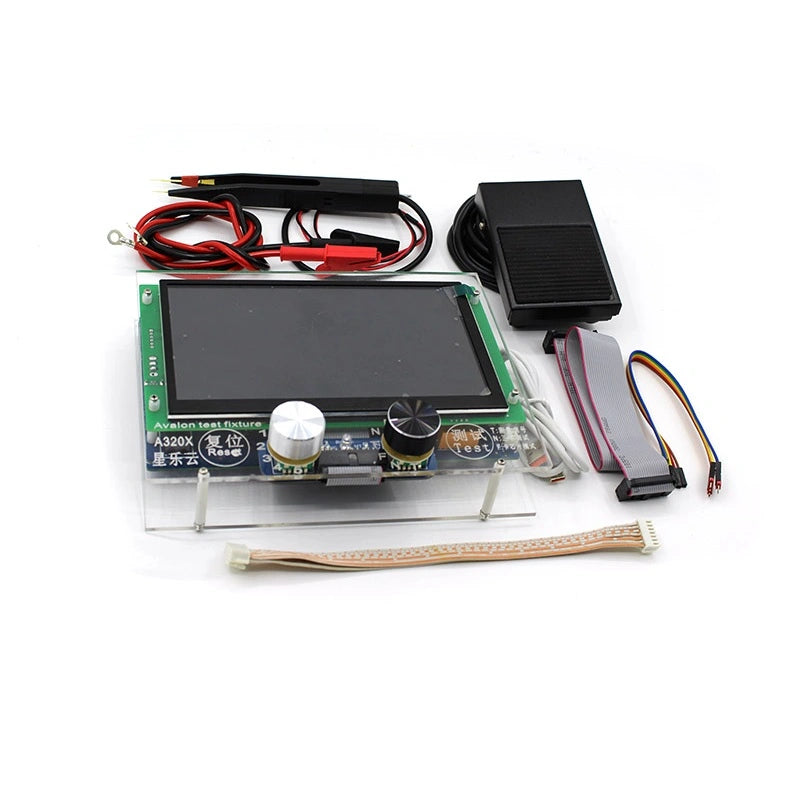
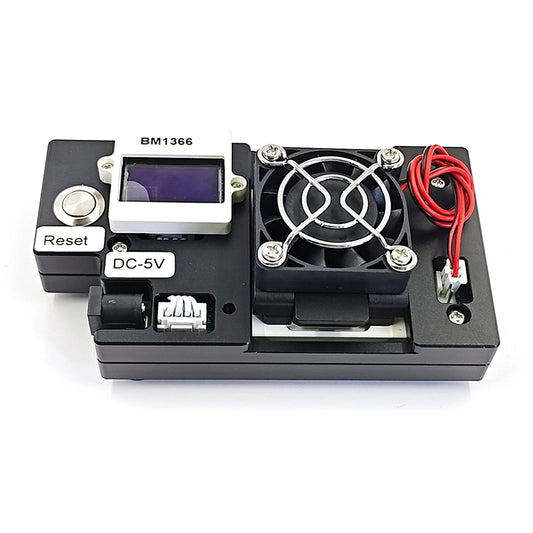
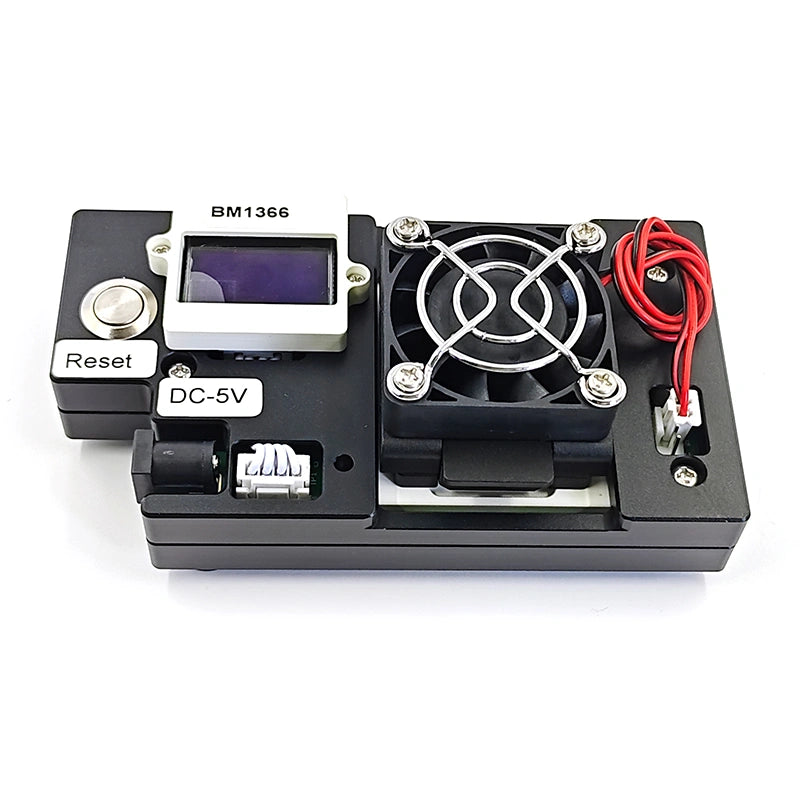
Diagnosis: Power down the unit and reseat all ribbon cables and power connectors. Try the suspect board in a different slot to isolate whether the fault follows the board or stays with the slot. If it follows the board, measure voltage domains with a multimeter — each domain on the S19 XP should read approximately 1.35V. A domain reading 0V or significantly outside spec indicates a failed chip or blown component in that domain's power circuit. For faster, more precise fault isolation, a K9 ASIC Multifunctional Tester can scan the board and pinpoint the exact chip position in minutes.
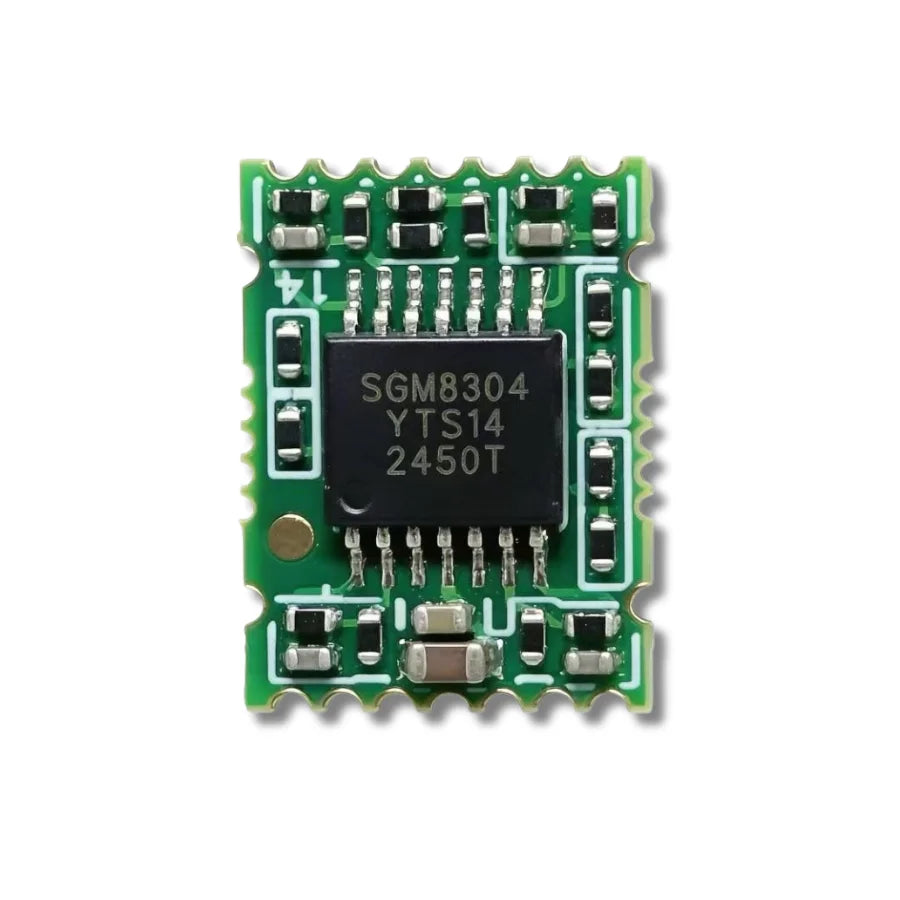
Fix: Loose connections require only reseating. For dead voltage domains, the specific BM1397 (S19/S19 Pro) or BM1366 (S19 XP) ASIC chip must be replaced — or the full hashboard if multiple domains are affected. Browse our Antminer replacement parts for hashboards, chips, and ribbon cables compatible with your specific S19 model.
2. Fan Errors and Abnormal Speed Warnings
Symptoms: Kernel log reports "Fan abnormal" or "Fan speed error." The machine may auto-shutdown as a thermal safety measure. Physically, you may observe a fan spinning below rated RPM, making grinding or rattling sounds, or completely stalled.
Root causes: Mining fans operate at high RPM in environments with elevated dust, humidity, and ambient heat. Bearing wear is the primary failure mode — it's mechanical and inevitable. Secondary causes include dust-induced blade imbalance triggering the speed sensor, corroded fan connectors, or a damaged fan header on the control board itself.
Diagnosis: A grinding or rattling sound is bearing failure — replace the fan. If the fan looks physically intact, swap it with a known-good unit and observe whether the error follows the fan or stays on the slot. If the error stays with the slot, the control board's fan header circuit may be damaged.
Fix: Replace the failed fan with the correct model-specific replacement. The S19 and S19 Pro use different fan dimensions than the S19 XP — verify compatibility before ordering. When one fan fails, the other is typically close behind in its wear cycle; replacing both as a set prevents a second downtime event. We stock cooling fans for the full S19 series as well as fan diagnostic tools for bench-testing suspect units.
3. Over-Temperature Protection and Thermal Shutdown
Symptoms: The miner enters thermal protection mode and shuts down, typically when chip temperatures exceed 95–100°C. Hashrate may throttle progressively before a full shutdown is triggered. The web dashboard shows one or more chips running 10–20°C hotter than their neighbors.
Root causes: Thermal shutdown is usually a compound failure with multiple contributing factors:
- Degraded thermal interface material (TIM): Factory-applied thermal paste dries out and loses thermal conductivity after 12–24 months of continuous operation. This is the single most common — and most underestimated — cause of thermal issues on aging S19 units.
- Dust accumulation: Dust packed into heatsink fins and between board components restricts airflow and acts as thermal insulation.
- Fan degradation: Even fans that haven't fully failed may be running below rated RPM, reducing airflow below the minimum required for adequate cooling.
- Ambient conditions: Facility temperatures above 35°C or poor rack airflow management.
Diagnosis: Check per-chip temperatures in the miner dashboard. If isolated chips are running hot while their neighbors are normal, the TIM on those specific chips has degraded — this is a localized contact issue. If all chips across a board are running hot uniformly, suspect airflow (fans + dust) rather than TIM.
Fix: For dust, power down and clean thoroughly with compressed air, paying particular attention to heatsink fins and the gaps between components. Always wear an anti-static wrist strap when handling boards. For thermal interface issues, remove heatsinks, clean off degraded material with isopropyl alcohol, and reapply fresh thermal compound. A high-performance thermal gel rated at 8 W/mK — such as the G19 8W/mK Thermal Gel — delivers measurably better heat transfer than generic compounds and is specifically formulated for high-TDP ASIC chip packages.
4. PSU Failure or Unstable Power Delivery
Symptoms: The miner fails to power on entirely, powers on but fails to initialize hashing, or experiences intermittent shutdowns under load. Audible symptoms may include clicking or buzzing from the PSU enclosure. The PSU's status LED may be off, blinking abnormally, or showing a fault color.
Root causes: The APW12 and APW9 power supply units used across the S19 series handle sustained high-current loads. Under continuous operation, electrolytic capacitor degradation, MOSFET failure, and thermal cycling of solder joints are the primary failure modes. Facility-level power quality issues — voltage sags, surges, or unstable grid supply — accelerate PSU wear.
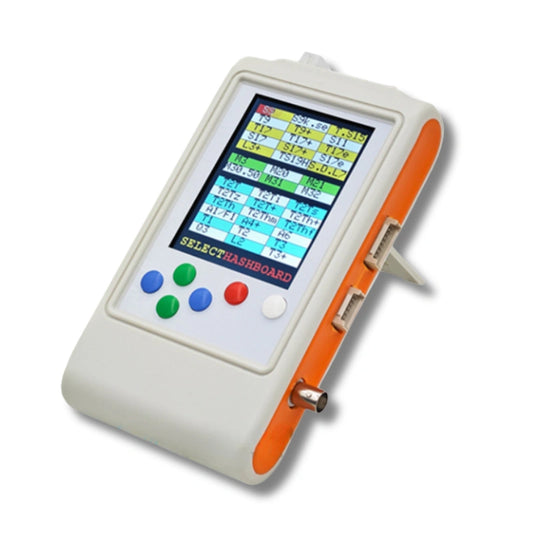
Diagnosis: First, rule out the simple causes: verify the AC power cord, outlet, and circuit breaker. Then swap in a known-good PSU with the same miner — if the miner operates normally, the original PSU is faulty. For intermittent issues, measure the PSU output voltage under load with a multimeter. The output should be stable at the rated voltage; fluctuation or droop under load indicates internal component degradation. The K8 Universal ASIC Tester can also diagnose PSU output stability.
Fix: Component-level PSU repair is possible but requires power electronics expertise and carries safety risk given the voltages and currents involved. For most operations, a direct PSU replacement is the practical and safer approach. Ensure you match the correct PSU model to your miner variant — the S19 Pro (APW9+) and S19 XP (APW12) have different power delivery specifications.
5. Network Connection Failures
Symptoms: The miner does not appear on network scans, the web dashboard is unreachable, or connectivity drops intermittently. Your mining pool shows the worker offline or with erratic connectivity.
Root causes: Network failures on the S19 most commonly stem from:
- Faulty Ethernet cable (the most frequent and cheapest cause)
- Damaged Ethernet port or network PHY chip on the control board
- DHCP conflicts or IP address collisions in the facility network
- Firmware corruption preventing the network stack from initializing
- Corrosion on the control board's network circuitry (particularly in high-humidity environments)
Diagnosis: Swap the Ethernet cable first — always. Try a different switch port. If neither resolves it, attempt to access the miner's web interface via direct connection to isolate facility network issues. If the miner is completely unreachable, reflash the firmware via SD card using Bitmain's official recovery image for your model. Inspect the control board's Ethernet jack and surrounding components for visible corrosion or damage.
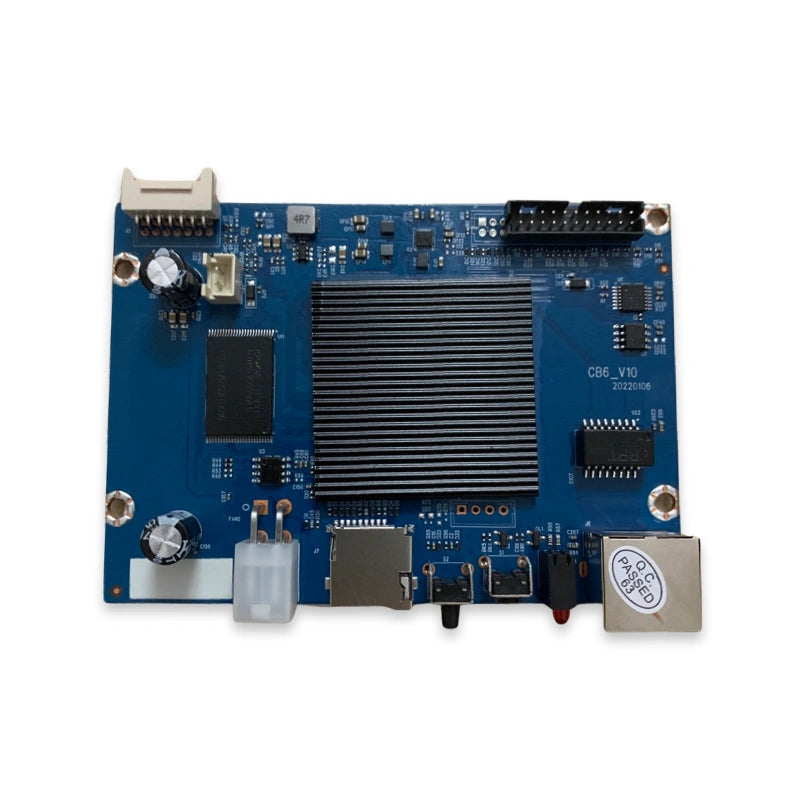
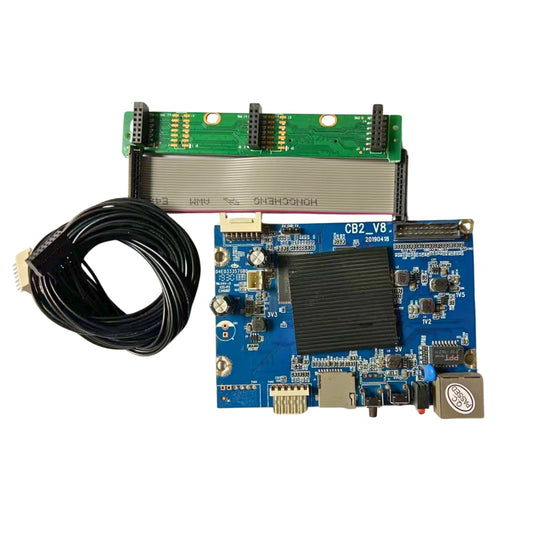
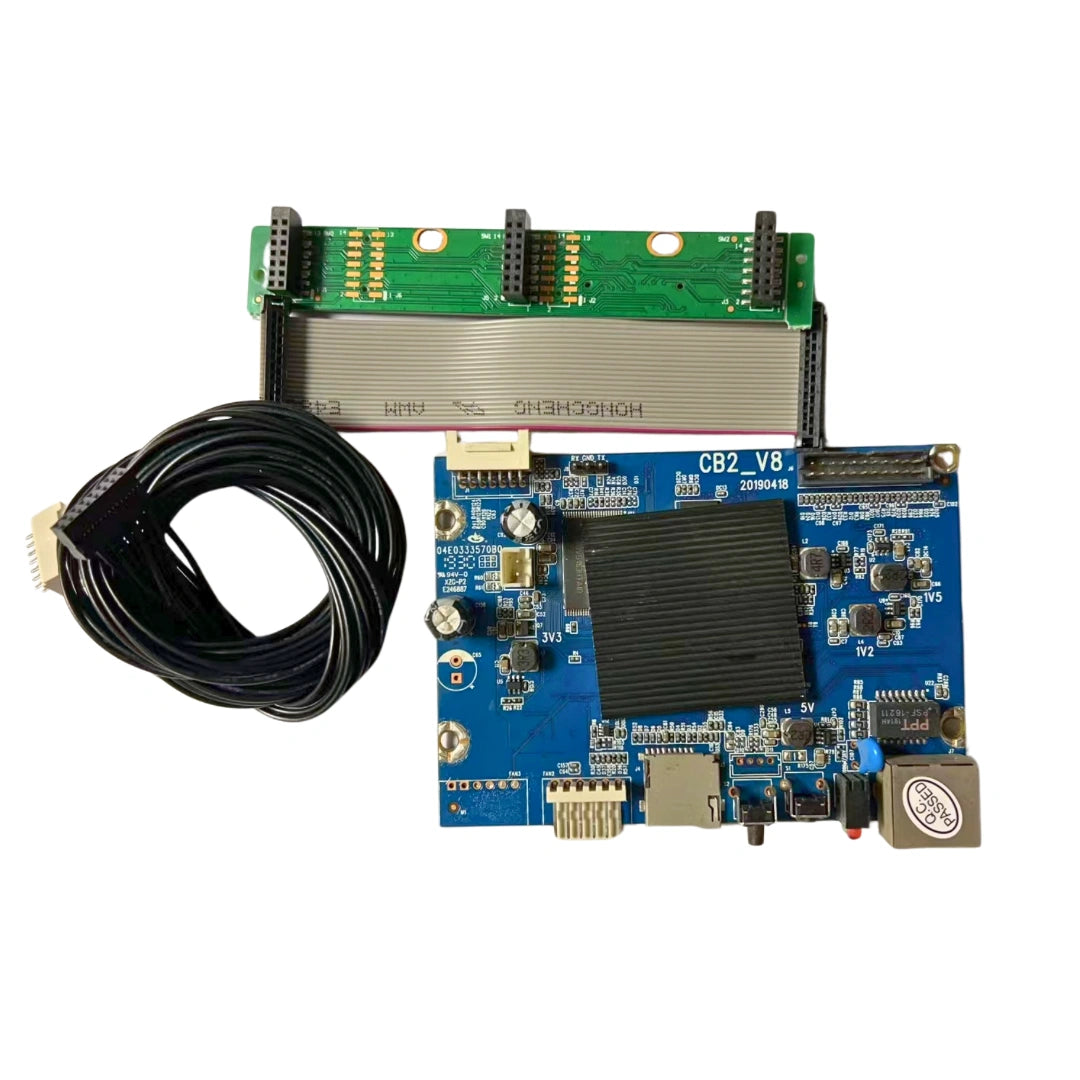
Fix: Cable and switch port issues are straightforward swaps. Firmware corruption is resolved by SD card reflash. If the network PHY chip or Ethernet port is physically damaged, the control board needs replacement. We carry control boards and diagnostic instruments for the full S19 range.
Repair vs. Replace: The Cost Calculation
A reliable rule of thumb: if the total repair cost — parts plus labor — is under 30–40% of the machine's current resale value, repair is the financially sound decision. This applies with particular force in 2026, where new-generation machines command premium pricing and a well-maintained S19 XP still delivers competitive J/TH efficiency at a fraction of the capital expenditure.
Investing in proper diagnostic tooling compounds the savings. A K9 tester that can localize a chip-level fault in minutes eliminates days of manual trial-and-error and pays for itself within a few board repairs.
Source Your S19 Parts
We stock replacement hashboards, control boards, PSUs, cooling fans, ASIC chips, thermal gel, and diagnostic tools for the full Antminer S19 lineup — S19, S19 Pro, S19j Pro, and S19 XP.
→ Browse Antminer S19 Replacement Parts
Need help identifying the correct part for your specific model and issue? Our technical team can help. Reach us at contact@lys-sz.com or via WhatsApp.