Почему профилактическое обслуживание — самое прибыльное решение для майнинг-фермы
Майнинг-фермы, работающие по программе структурированного профилактического обслуживания, сообщают об увеличении срока службы компонентов на 15–25% и увеличении времени безотказной работы на 10–15% по сравнению с фермами, которые ремонтируют оборудование только после его выхода из строя. Для фермы из 100 машин это разница между достижением вашей ежемесячной цели по хешрейту и потерей его по одному вышедшему из строя хешплату за раз.
Математика проста. Каждый час простоя — это потерянный доход. Каждый преждевременно вышедший из строя блок питания — это четырехзначная стоимость замены. Каждый хешплат, который вы позволяете работать при температуре выше 75°C, — это еще один шаг к выходу чипов из строя. Реактивное обслуживание всегда дороже альтернативы — а альтернатива — это чек-лист.
Этот гайд предлагает вам такой чек-лист. Это тот же график обслуживания, который мы рекомендуем майнинг-операторам, которым поставляем запчасти, организованный по частоте: ежемесячные, ежеквартальные, полугодовые и ежегодные задачи. Распечатайте его, поделитесь со своими техниками и используйте для своей фермы. Независимо от того, управляете ли вы 5 майнерами или 5000, принципы остаются неизменными.
Три уровня обслуживания ASIC
Обслуживание ASIC-майнинг оборудования делится на три отдельных уровня, каждый со своим графиком и набором инструментов.
Уровень 1 — Мониторинг (постоянный): Отслеживание в реальном времени хешрейта, температуры чипов, оборотов вентиляторов и коэффициента принятия пулом. Это ваша система раннего предупреждения, работающая 24/7 через панель управления прошивки.
Уровень 2 — Профилактический (плановый): Регулярные физические и программные задачи, которые предотвращают отказы машин. Это то, что охватывает данный чек-лист.
Уровень 3 — Корректирующий (по требованию): Диагностика и ремонт, когда что-то выходит из строя. Чем лучше ваш Уровень 2, тем реже вам понадобится Уровень 3.
Большинство ферм правильно справляются с Уровнем 1, потому что данные у них перед глазами. Большинство ферм ошибаются с Уровнем 2, потому что никто его не планировал. Это тот пробел, который мы собираемся заполнить.
Ежемесячные задачи по обслуживанию (каждые 30 дней)
Это высокочастотные задачи, которые предотвращают большинство сбоев. Они занимают примерно 10–15 минут на машину для небольшой фермы и могут быть обработаны пакетом в более крупных операциях.
1. Очистка от пыли
Bitmain официально рекомендует чистить Antminer один раз в месяц сжатым воздухом. Держите воздушный пистолет близко к решетке вентилятора — но никогда не касайтесь лопастей — и продувайте каждую щель в течение 2–3 секунд, повторяя 2-3 прохода. В условиях повышенной влажности, где пыль прилипает к поверхностям, вам нужно будет снять вентиляторы и удалить стойкие отложения мягкой антистатической щеткой.
Накопление пыли — основная причина предотвратимых тепловых сбоев. Забитый хешплат может работать на 8–12°C горячее, чем чистый, что достаточно для того, чтобы вывести чипы, работающие на пределе, в зону деградации.
2. Визуальный осмотр
Пройдитесь по рядам. Ищите вздувшиеся конденсаторы на блоках питания (выпуклые вершины или вытекшая жидкость), обесцвеченные паяные соединения, признаки активности вредителей и любой майнер, работающий заметно громче своих соседей. Запишите серийные номера всего, что привлекло ваше внимание, для последующей проверки во время следующей ежеквартальной глубокой чистки.
3. Проверка оборотов вентилятора и акустики
Извлеките данные об оборотах вентилятора каждой машины из панели управления прошивки. Любой вентилятор, работающий на 10% ниже ожидаемых оборотов, выходит из строя. Пока вы обходите помещение, прислушайтесь — изношенные подшипники издают слышимые предупреждающие звуки (щелчки, скрежет, высокочастотный вой) перед полным отказом. Отметьте их для замены во время следующего запланированного окна простоя.
4. Аудит температуры окружающей среды
Идеальный диапазон температуры окружающей среды для работы ASIC составляет от 10°C до 25°C. Продолжительная работа при температуре окружающей среды выше 35°C или температуре чипов выше 75°C ускоряет деградацию хешплатов. Выборочно проверьте горячие проходы инфракрасным термометром — если вы обнаружите мертвые зоны с плохой циркуляцией воздуха, исправьте воздуховоды, прежде чем жара начнет убивать чипы.
Ежеквартальные задачи по обслуживанию (каждые 90 дней)
Именно здесь профилактическое обслуживание окупается. Запланируйте окно простоя и методично поработайте со всем парком машин.
1. Глубокая очистка
Выключите майнер, снимите его с стойки и перенесите на чистый рабочий стол. Снимите верхнюю крышку. Используйте сжатый воздух и мягкую щетку для очистки радиаторов, лопастей и корпусов вентиляторов, входных решеток блока питания и любой внутренней кабельной системы. Особое внимание уделите нижней стороне хешплатов, где пыль скапливается в промежутках между ребрами.
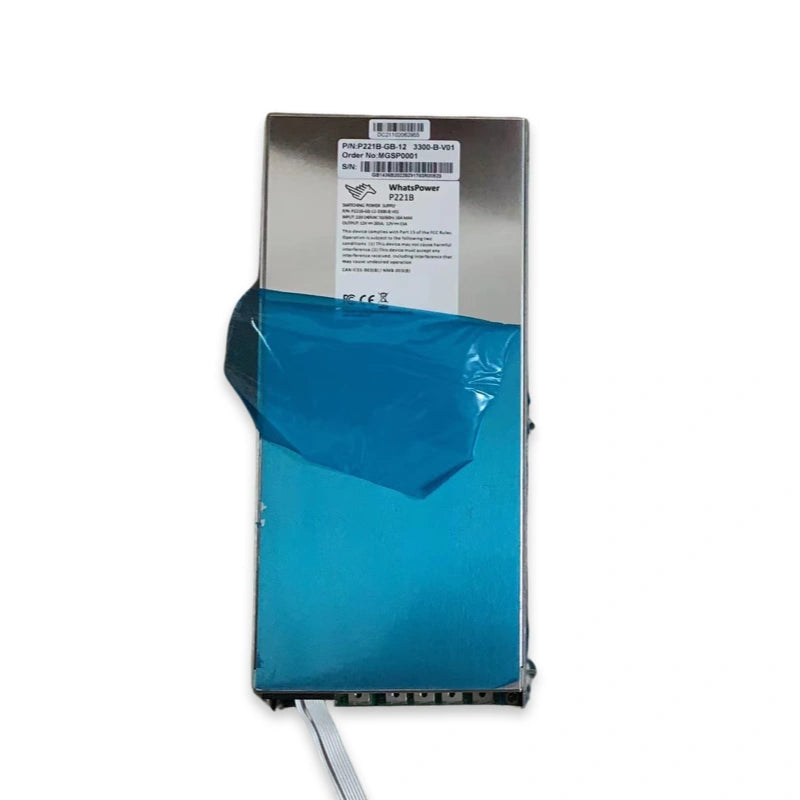
2. Проверка напряжения и выходной мощности блока питания
Используйте мультиметр для проверки соответствия выходного напряжения блока питания его номинальным характеристикам. Дрейф напряжения — даже небольшой — указывает на деградацию конденсаторов внутри блока питания и является основным признаком надвигающегося отказа. Для Antminer S19 и S19 Pro, работающих на серии APW12, выходное напряжение 12В–15В должно быть стабильным под нагрузкой. Любое устройство, дрейфующее более чем на ±0,3В, является кандидатом на замену, прежде чем оно потянет за собой хешплат.
3. Диагностическая проверка хешплаты
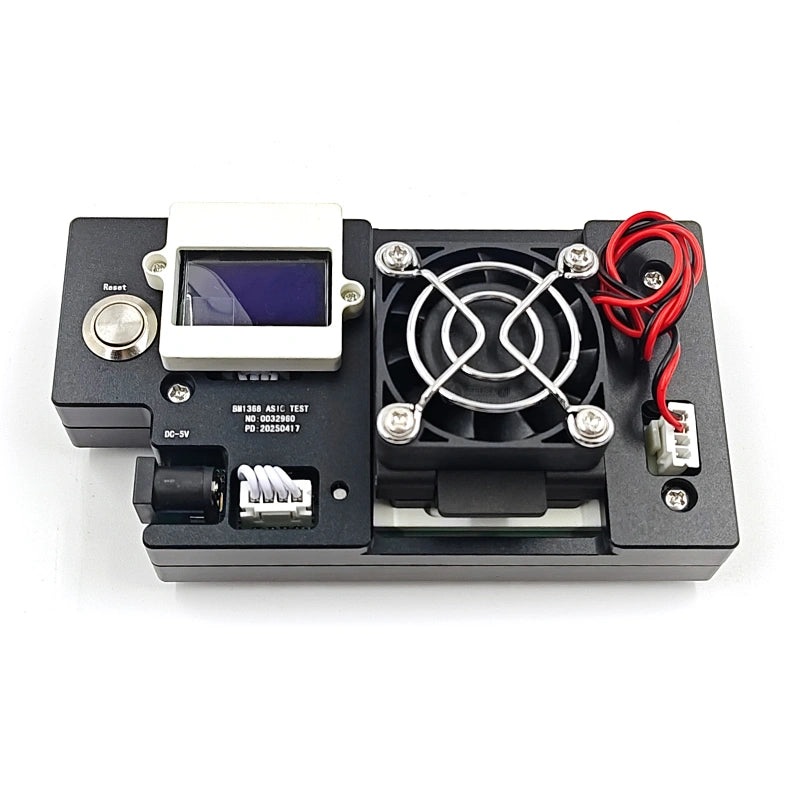
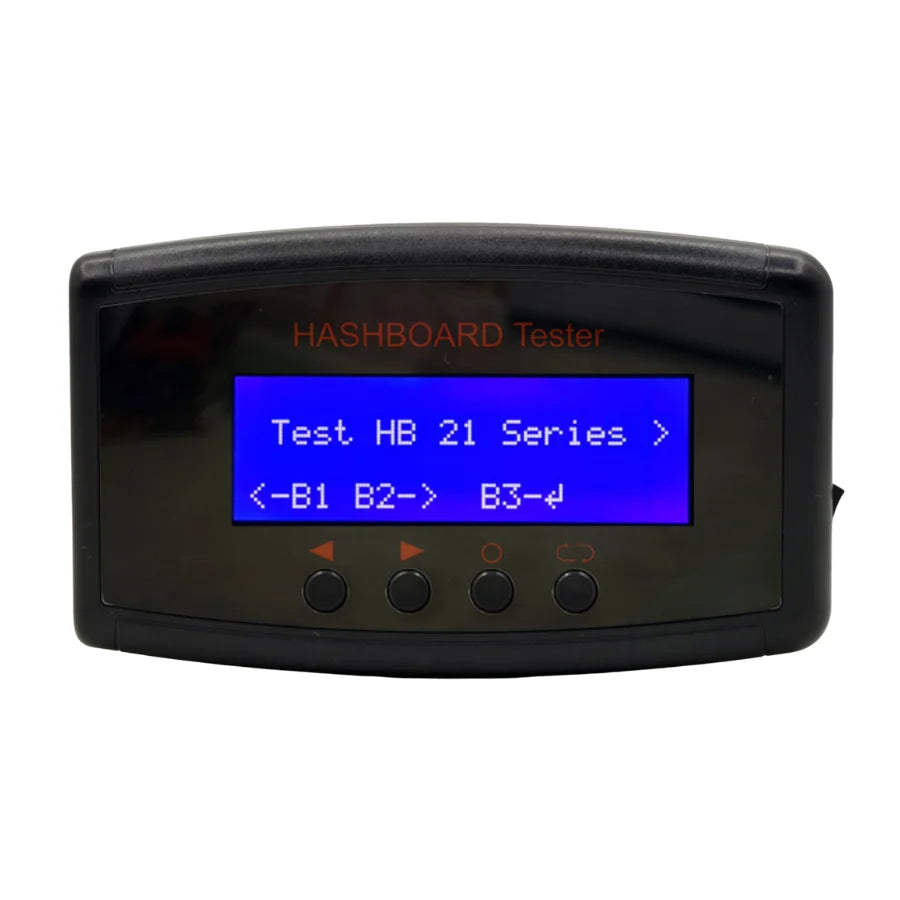
Проверьте каждый хешплат с помощью специализированного тестера ASIC, такого как K9, или другого профессионального диагностического приспособления. Это позволяет выявить деградированные чипы, ошибки связи и слабую синхронизацию ФАПЧ задолго до того, как они проявятся в виде падения хешрейта в журналах вашей прошивки. 90-дневная проверка означает, что вы находите проблемы по своему графику, а не по графику сети.
4. Обновления прошивки
Проверяйте наличие обновлений прошивки от Bitmain, Whatsminer или вашего стороннего поставщика прошивок. Новые прошивки часто включают исправления ошибок, патчи безопасности и улучшения эффективности. Применяйте обновления волнами — никогда не ко всему парку машин сразу — и отслеживайте небольшую партию в течение 48 часов, прежде чем широко распространять.
5. Осмотр кабелей и разъемов
Кабели питания от блока питания к хешплате и сигнальные кабели подвергаются нагрузкам из-за температурных циклов. Переподключите каждый разъем, до которого можете дотянуться, и проверьте на наличие потемнений или плавления в местах контакта. Ослабленный или окисленный разъем создает сопротивление, нагрев и в конечном итоге выход из строя.
Полугодовые задачи по обслуживанию (каждые 6 месяцев)
1. Замена термопасты/термогеля на часто используемых платах
Термопаста высыхает со временем, особенно при непрерывной работе при высоких температурах. Платы, работающие в жарких условиях или при агрессивном разгоне, должны получать свежий термоинтерфейсный материал каждые шесть месяцев. Для современных Antminer S21 и хешплатов на основе BM1368 мы рекомендуем высокопроводящий материал, такой как термогель G19 8W/m·K, который является силиконовым, некоррозионным и специально разработан для интерфейсов чип-радиатор ASIC.
2. Проверка подшипников всех вентиляторов
Даже вентиляторы, успешно прошедшие ежемесячную проверку оборотов, могут иметь скрытый износ подшипников. Поверните каждый вентилятор вручную при выключенной машине — любое шатание, скрежет или сопротивление является сигналом к замене, прежде чем он начнет вызывать температурные тревоги.
Ежегодные задачи по обслуживанию (каждые 12 месяцев)
1. Профилактическая замена вентиляторов
Большинство вентиляторов для ASIC-майнинга имеют срок службы 12–18 месяцев при непрерывной круглосуточной работе. Их замена на 12–15-м месяце — до того, как они выйдут из строя — устраняет целую категорию незапланированных простоев. Заранее запасите сменные вентиляторы охлаждения и запланируйте замену во время ежегодного крупного обслуживания.
2. Полный электрический аудит
Попросите электрика проверить нагрузку на PDU, температуру автоматических выключателей и заземление. Нагрузки от майнинга непрерывны и беспощадны — проводка, которая была в порядке в первый день, может деградировать после года тепловых циклов.
3. Переучет запасов запчастей
Проведите инвентаризацию своего склада запчастей. Замените использованные, пополните истощенные и добавьте любые детали, которые вы определили как повторяющиеся точки отказа, характерные для вашего парка оборудования.
Запасные части, которые должна иметь каждая майнинг-ферма
Фермы с менее чем 10 майнерами должны иметь минимальный базовый запас: 2–3 сменных вентилятора, совместимых с вашей моделью, один резервный блок питания для каждой модели в вашем парке, тюбик высококачественной термопасты и базовые диагностические инструменты. Более крупные фермы должны масштабировать это и добавить запасные хешплаты, запасные управляющие платы и профессиональный тестер хешплат.
Принцип, который мы сообщаем нашим крупным клиентам: держите достаточно запасных частей под рукой, чтобы оправиться от 5% одновременного сбоя, не дожидаясь доставки. Для фермы из 200 машин это 10 вентиляторов, 2–3 блока питания и как минимум один запасной хешплат на модель.
Инструменты, необходимые на рабочем столе
Надлежащим образом оборудованный ремонтный стенд должен иметь: цифровой мультиметр, воздушный компрессор или баллон со сжатым воздухом, антистатические щетки, набор отверток с регулировкой крутящего момента, трафареты для нанесения термопасты, инфракрасный термометр и профессиональный диагностический тестер ASIC. Диагностический тестер — это самый высокоэффективный инструмент — он превращает ремонт хешплат из догадок в 5-минутное решение «годен/не годен».
Экономика: что на самом деле приносит профилактическое обслуживание
Для предприятия из 100 машин, генерирующего примерно 1000 долларов ежедневно, улучшение времени безотказной работы на 10–15% благодаря программе структурированного обслуживания означает дополнительные 100–150 долларов ежедневного дохода, или 3000–4500 долларов в месяц. Ежемесячная программа обслуживания — даже та, которая включает трудозатраты, расходные материалы и скромный бюджет на запасные части — обычно стоит 2000–3000 долларов для такого масштаба операций. Расчет оправдывает себя в течение первого месяца.
Больший доход сложнее количественно оценить, но он более важен: профилактическое обслуживание накапливается. Каждый чип, который вы поддерживаете ниже 75°C, — это чип, который все еще будет приносить доход на 36-м месяце. Каждый вентилятор, который вы заменяете через 15 месяцев, — это хешплат, который вы не замените через 18.
Часто задаваемые вопросы
Как часто следует чистить Antminer от пыли?
Bitmain официально рекомендует чистить Antminer от пыли один раз в месяц с помощью сжатого воздуха. В более пыльных или влажных условиях безопаснее это делать каждые 2–3 недели.
Как часто следует менять термопасту на хешплате?
Термопасту следует обновлять каждые 6–12 месяцев для плат, работающих в нормальных условиях, и каждые 6 месяцев для плат, работающих в жарких условиях или при агрессивном разгоне.
Когда следует менять вентиляторы для майнинга?
Большинство вентиляторов для ASIC-майнинга служат 12–18 месяцев при непрерывной круглосуточной работе. Заменяйте их профилактически на 12–15-м месяце, чтобы избежать неожиданных сбоев, и ежемесячно контролируйте обороты, чтобы выявить любое устройство, деградирующее раньше.
Какова идеальная рабочая температура для ASIC-майнера?
Температура окружающей среды должна оставаться в пределах от 10°C до 25°C. Температура чипов должна оставаться ниже 75°C — постоянная работа выше этого значения ускоряет деградацию.
Какие запасные части должна иметь небольшая майнинг-ферма?
Минимум: 2–3 сменных вентилятора на модель, один резервный блок питания на каждую модель в вашем парке, термопаста и базовые диагностические инструменты. Более крупные фермы должны добавить запасные хешплаты и профессиональный тестер ASIC.
Техническая команда LYS базируется в Шэньчжэне, Китай, где мы управляем специализированной мастерской по ремонту ASIC-майнинг оборудования. Имея более чем десятилетний практический опыт ремонта оборудования для майнинга Antminer, Whatsminer и Avalon, наша команда поставляет запасные части и услуги по ремонту майнинг-операторам в более чем 40 странах. Каждая публикуемая нами статья написана и проверена действующими специалистами по ремонту.
Оснастите свой ремонтный стол вместе с LYS Shenzhen
Каждая деталь, упомянутая в этом руководстве, доступна на нашем складе в Шэньчжэне, с доставкой DDP по всему миру и контролем качества перед отправкой. От термогеля и сменных вентиляторов до запасных блоков питания и профессиональных тестеров ASIC, у нас есть все, что нужно майнинг-ферме для запуска серьезной программы профилактического обслуживания.
Просмотрите наш полный каталог запасных частей для Antminer или свяжитесь с нашей командой напрямую по адресу contact@lys-sz.com или через WhatsApp для получения оптовых цен, труднодоступных запчастей и индивидуальных предложений по ремонту.