The Quarterly Decision Every Operator Faces
Every few months, the same question comes up: a batch of miners is down or underperforming, and you need to decide whether to buy refurbished replacements from the secondary market or repair the units you already have. Both options cost money. Neither is risk-free. The right answer depends on numbers, not gut feeling.
This guide breaks down the real economics of each path — cost per recovered TH, hidden risks, and the decision framework that separates a profitable fleet decision from an expensive mistake.
What "Refurbished" Actually Means on the Secondary Market
There is no industry-standard definition of "refurbished" for ASIC mining hardware. When a reseller lists a unit as refurbished, it can mean anything from "we powered it on and it hashed" to "we replaced the fans, cleaned the dust, repasted the heatsinks, and tested every hashboard." The gap between those two levels of work is enormous, and the listing rarely tells you which one you're getting.
Here's what we see when refurbished units arrive at our bench for a second opinion:
- Fans near end of life. Replacement fans are cheap and visible, so many refurbishers install new fans. But some don't — and a fan with 20,000+ hours will fail within months, taking the miner offline and potentially overheating the hashboards.
- Hashboard micro-fractures. Thermal cycling over 2–3 years of 24/7 operation creates micro-cracks in solder joints. These don't show up in a 30-minute bench test. They show up three weeks later under sustained load when a joint opens and a chip group drops offline.
- Overclocked or thermally damaged history. A miner that was pushed beyond spec at a hot site has accelerated degradation that no amount of cleaning or repasting will reverse. There's no external marking that tells you this happened.
- No warranty. New miners ship with a 1-year manufacturer warranty. Most refurbished units are sold as-is, or with a 30-day reseller guarantee that covers catastrophic failure but not the slow degradation described above.
None of this means refurbished hardware is always bad. It means you're buying uncertainty, and you need to price that uncertainty into your decision.
What "Repaired" Actually Means
Repairing your own fleet is a fundamentally different proposition because you control the variables. You know the operating history of the machine. You know which site it ran at, how hot it ran, and whether it was overclocked. When you repair a unit, you're fixing a specific, identified fault on a machine whose full history you already have.
Typical repair scenarios and their cost ranges:
| Repair Type | Typical Cost Range | Downtime |
|---|---|---|
| Fan replacement | $15–$40 per fan (parts only) | 30 minutes |
| Thermal repaste / heatsink reseat | $10–$30 (materials only) | 1–2 hours |
| Single ASIC chip replacement | $10–$50 per chip (parts) + labor | 2–4 hours |
| Hashboard repair (multiple chips) | $100–$400 (parts + fixtures) | 4–8 hours |
| Control board replacement | $50–$200 (part only) | 1 hour |
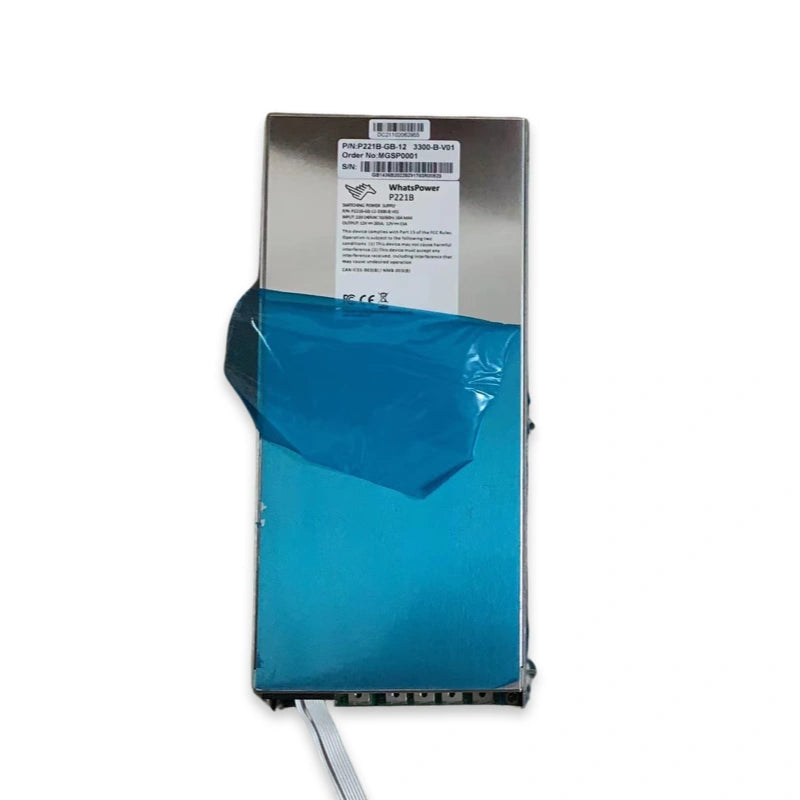
| PSU replacement | $80–$300 (part only) | 30 minutes |
These are parts-only costs. If you're outsourcing repair to a service provider, add labor. If you're doing it in-house, the labor cost is your technician's time — but the investment in test fixtures and repair tooling amortizes across every unit you fix.
Cost Per Recovered TH: The Number That Matters
The best way to compare the two paths is cost per recovered TH/s — how much you spend to bring each terahash back online.
Refurbished example: You buy a refurbished M30S+ (100 TH/s) for $800 on the secondary market. It arrives, hashes for two weeks, then a hashboard drops out — micro-fracture under load. You're now at 66 TH/s from a machine you paid $800 for, and the hashboard repair will cost another $200–$400 in parts. Your effective cost per TH: $800 ÷ 66 TH/s = $12.12/TH just to get a degraded machine, plus repair costs to restore full output.
Repair example: Your own M30S+ is down because of a failed chip group on one hashboard. Total repair cost: $40 in chips + $20 in thermal gel + 4 hours of bench time. Result: full 100 TH/s restored. Cost per recovered TH: $60 ÷ 100 TH/s = $0.60/TH.
The math isn't always this lopsided — sometimes a refurbished unit arrives in perfect condition, and sometimes a repair job uncovers a second fault. But on average, across hundreds of decisions, targeted repair on machines you know wins on cost per TH every time.
The 50% Rule
The industry rule of thumb for repair-vs-replace: if the total repair cost exceeds 50% of the cost of a comparable replacement unit, replace it.
This is a useful guardrail. On an S19 XP worth $2,500 on the secondary market, a $1,200 repair is borderline — and you should weigh whether the repair addresses the root cause or just patches a symptom. On an older S17 worth $300 on the secondary market, even a $200 repair may not make sense because the unit's remaining economic life at 56 TH/s and 73 J/TH is limited by electricity costs regardless.
Where the 50% rule breaks down is when operators compare repair cost against the price of a refurbished unit without accounting for the risk premium. A $500 refurbished unit that needs $300 in follow-up repairs is actually a $800 unit — and at that point, repairing your original for $400 was the cheaper path all along.
The Efficiency Question: When Neither Option Makes Sense
There's a third scenario that gets overlooked: sometimes neither repairing nor buying refurbished is the right call. If the fleet in question is old enough that its efficiency gap makes it unprofitable at your power rate, neither $60 in repair costs nor $800 in refurbished acquisition costs will fix the underlying problem.
An Antminer S9 running at 95 J/TH versus a current-gen S21 at 17.5 J/TH consumes roughly 5x the electricity per hash. At $0.06/kWh, the S9 loses money after electricity. No amount of repair or refurbishment changes that equation. The right move is to retire the fleet and either sell the remaining parts or redeploy capital into newer hardware.
For current-gen units — S19 series, M30S series, S21, M50 — the efficiency is still viable at most commercial power rates, and repair almost always makes sense. The breakpoint varies by model and power cost, but as a general guide: anything under 35 J/TH is worth repairing in 2026 if your power is under $0.07/kWh.
Building a Repair-First Operation
The operators who consistently get the best cost-per-TH outcomes are the ones who treat repair as a core capability, not an afterthought. That means:
- Stocking common parts. Fans, chips, control boards, PSUs, and thermal materials for your fleet models. A $40 chip sitting on the shelf turns a 2-day downtime (order + shipping) into a same-day fix. Browse Antminer and Whatsminer repair catalogs to match your fleet.
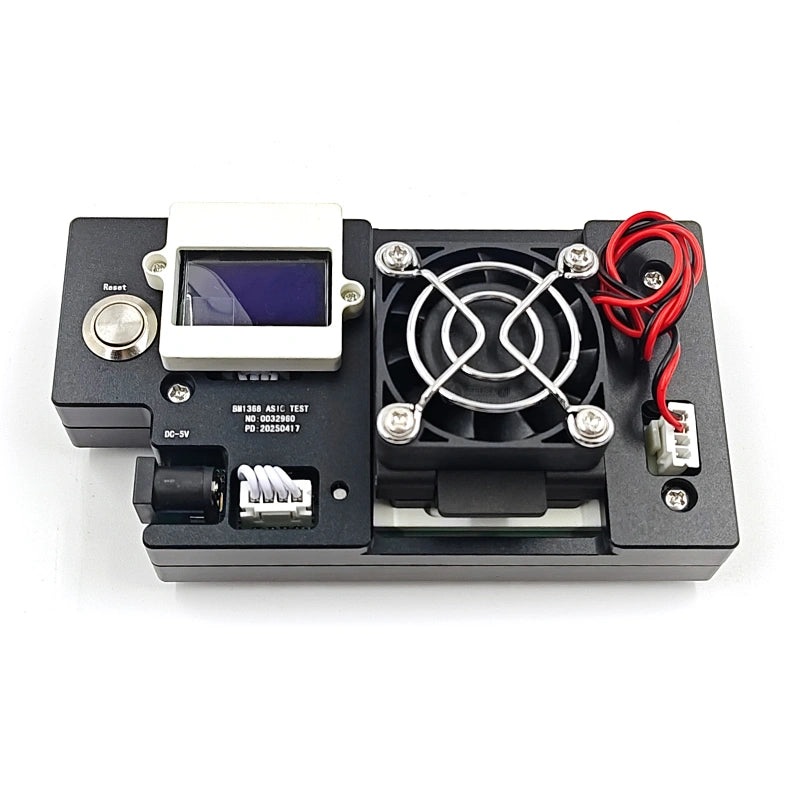
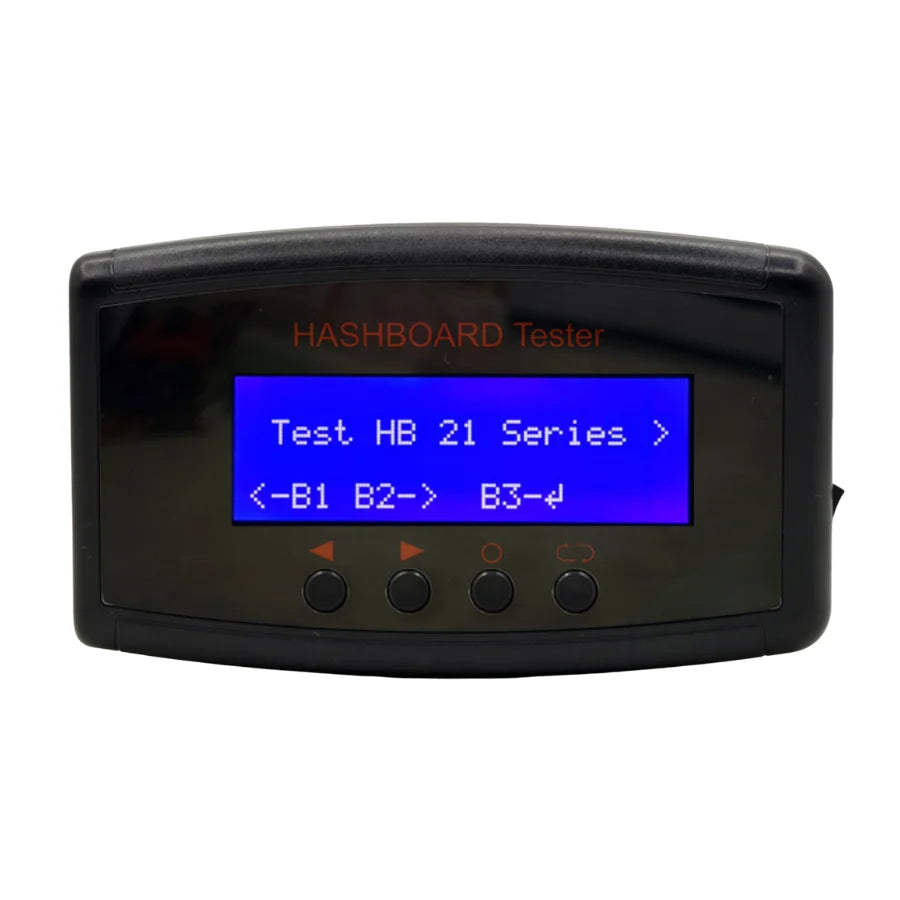
- Investing in diagnostics. A hashboard test fixture and an oscilloscope pay for themselves on the first hashboard they save from the scrap pile.
- Keeping replacement chips on hand. The most common repair — single chip replacement — is also the cheapest and highest-ROI, but only if you have the right chip SKU on the shelf when you need it.
- Tracking repair history per unit. A machine that's been repaired three times in six months is telling you something. At some point the right call is retirement, and knowing the history prevents you from throwing good money after bad.
The LYS Technical Team is based in Shenzhen, China, where we operate a dedicated ASIC mining hardware repair workshop and parts supply operation. We ship spare parts, repair components, and diagnostic tooling to mining operators in over 40 countries. Every article we publish is written and reviewed by working repair technicians who service Antminer, Whatsminer, and Avalon hardware daily.
Stock Your Repair Bench
Whether you're building in-house repair capability or restocking an existing operation, we carry the full parts catalog — chips, fans, control boards, PSUs, test fixtures, and tools — for both Antminer and Whatsminer fleets.
→ Test Fixtures & Diagnostic Tools
For bulk parts pricing, fleet-specific repair kits, or help deciding which parts to stock for your fleet mix, contact us at contact@lys-sz.com or via WhatsApp.