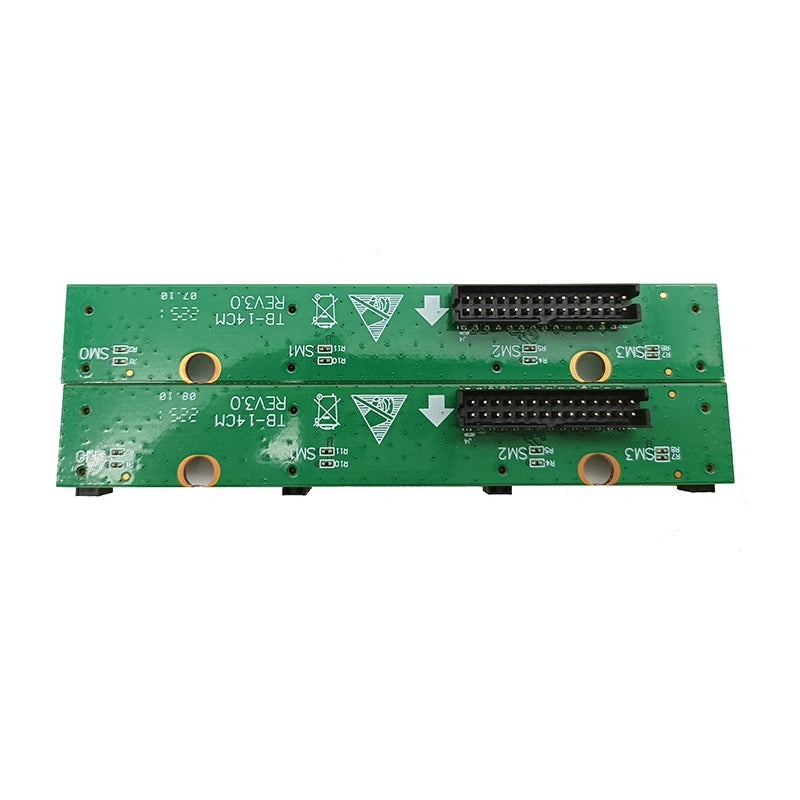
Whatsminer M31S++ v3.0 Adapter Board for Efficient Mining Operations
Couldn't load pickup availability
Have questions about this product? Our team is here to help — just reach out on WhatsApp.
💬 Contact Us on WhatsAppAbout the Product
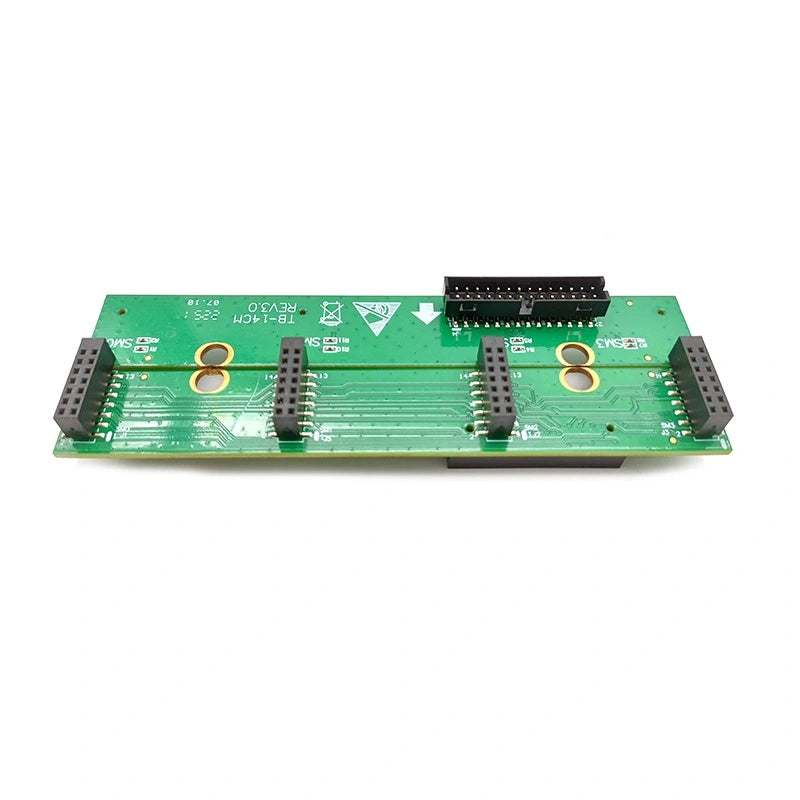
Whatsminer M31S++ Adapter Board v3.0 – Control-to-Hashboard Bridge
The Whatsminer M31S++ adapter board (v3.0) is the interface that connects the control board to the hash board, relaying clock, data, and power signals between the two PCBs. When this board develops cracked traces, corroded pads, or a failed component, the control board can no longer communicate with the hash chains — hash rate drops to zero on the affected board even though both the control board and hash board may test fine individually.
Diagnose Before You Replace the M31S++ Adapter Board
Before swapping the adapter, confirm it is actually the fault point. Power down the miner, reseat both ribbon cables, and inspect the board-to-board connectors for bent or oxidised pins. If reseating does not restore communication, swap the adapter board with a known-good unit. If the hash board comes back online, the original adapter was the problem. This simple swap test avoids unnecessary hash board or control board replacements.
Installation and Handling Tips
Disconnect mains power and wait at least 30 seconds for bulk capacitors to discharge before removing the old adapter. Align the v3.0 board with the mounting standoffs, press the connectors firmly until they click, and verify the ribbon cables are fully seated with no exposed conductor showing at the connector edge. After reassembly, power the miner and check the kernel log or Whatsminer dashboard to confirm the hash board reports its full chain count.
M31S++ Adapter Board Specifications
| Parameter | Value |
|---|---|
| Compatibility | Whatsminer M31S++ |
| Version | v3.0 |
| Function | Control board ↔ hash board bridge |
| Material | High-quality PCB |
| Package Content | 1 × adapter board |
| Condition | New |
Related Whatsminer M31S++ Parts & Accessories
- Whatsminer 14-Pin Test Fixture Cable (M20–M50)
- C14–C19 Power Plug Adapter for Whatsminer
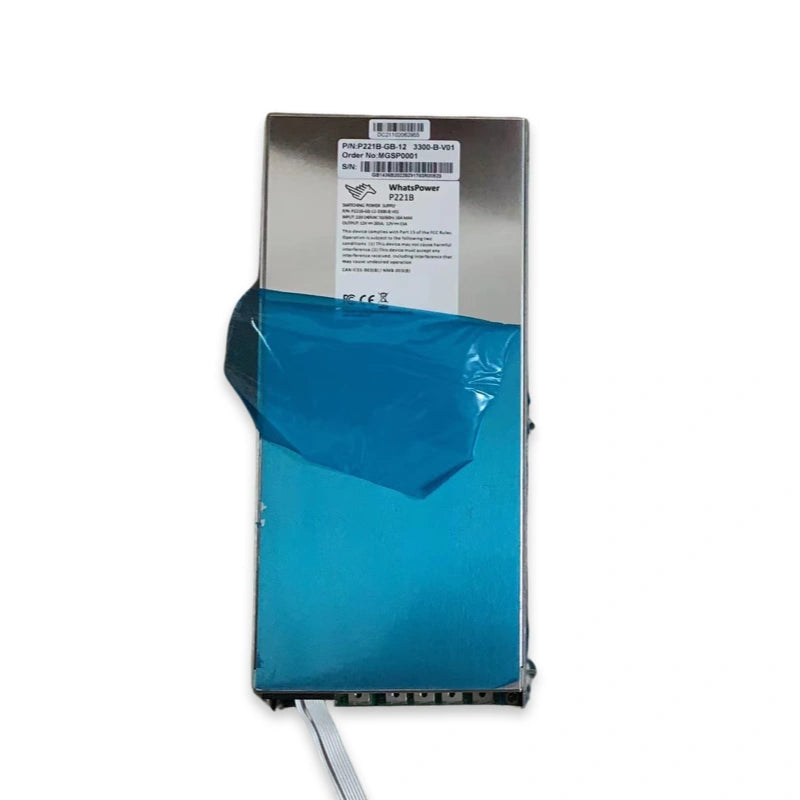
- Whatsminer P221B PSU – M31S++
- 6-Pin Fan Simulator – Whatsminer M31/M31S++
Replacing adapter boards across a fleet of M31S++ units? Contact us at contact@lys-sz.com for volume pricing.
Worldwide shipping from our Shenzhen warehouse.
Buying in bulk for a mining farm or repair shop?
Get dedicated B2B pricing on this part and across our full catalog — quote response within 24 hours, payment by T/T USD bank wire, and DDP delivery available for US & EU customers (and other lanes on request).