Why the M30S Family Still Matters in 2026
The Whatsminer M30S, M30S+ and M30S++ are the units that earned MicroBT its current market share. Launched in 2020–2021, they aged well: the M30S++ still hashes 110 TH/s at around 31 J/TH, which keeps it profitable at sub-$0.07/kWh power, and the whole family trades heavily on the secondary market. If you buy used ASICs today, M30S units are in every lot.
That also means they come with kilometers on the clock. Thermal cycling, dusty sites, brownouts, and three or four years of 24/7 operation have the same effect on Whatsminer hardware as on anything else — stuff breaks. This guide walks through the failures we see most often on M30S-series units on the repair bench, how to diagnose each one, and the parts and tools you need to fix them.
The M30S Family at a Glance
| Model | Hashrate | Wall Power | Efficiency | Primary Chip |
|---|---|---|---|---|
| M30S | 86–88 TH/s | ~3,268 W | ~38 J/TH | KF1950 |
| M30S+ | 100–102 TH/s | ~3,400 W | ~34 J/TH | KF1950 |
| M30S++ | 110–112 TH/s | ~3,410 W | ~31 J/TH | KF1968 / KF1968E |
All three share the same chassis, same fans, the same control board family, and the same PSU design. The main repair difference between them is the chip — M30S and M30S+ run the KF1950, while the M30S++ runs the higher-performance KF1968 or KF1968E, which is also used on the M50 and M53 series.
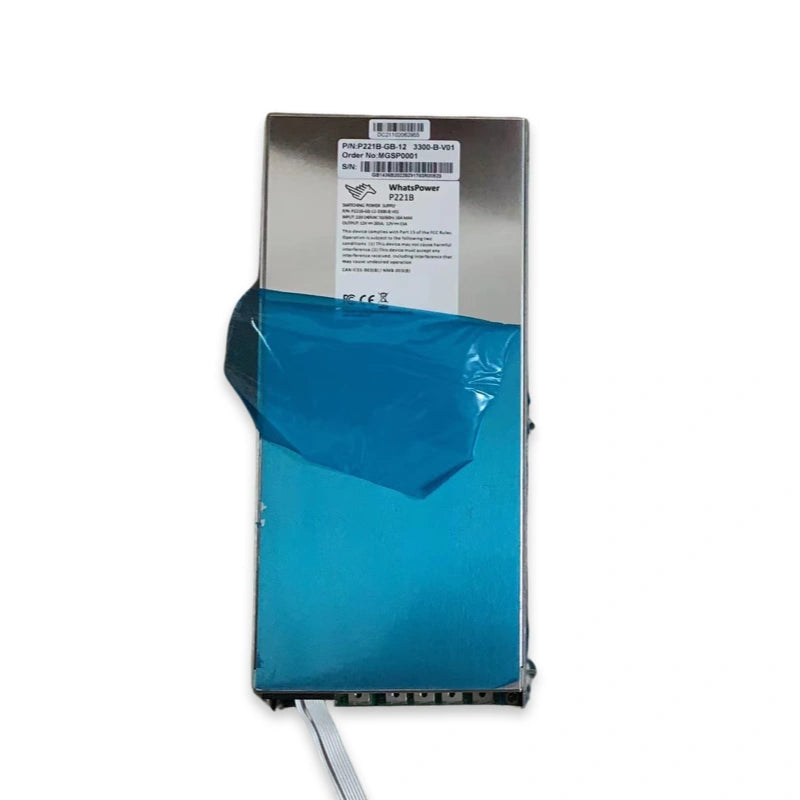
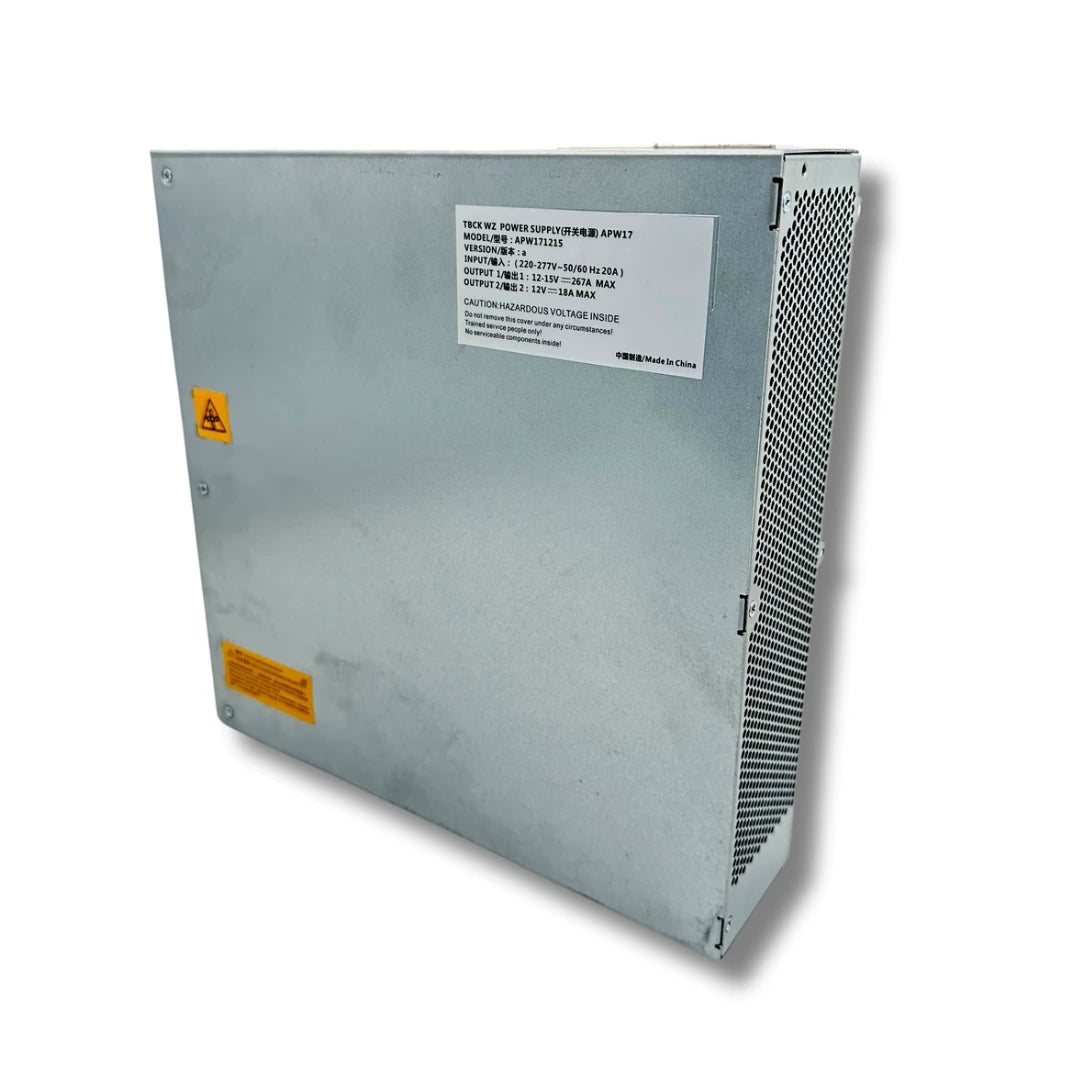
Failure #1: The Miner Won't Start — PSU Error Codes 236, 255, 268
By far the most common call we get on M30S units is "it used to work, now it won't boot." On the control panel or API log, this typically shows as error code 236, 255, or 268. All three sit in the PSU category and usually mean the power supply is not delivering clean 12 V to the hashboards at startup, or the startup handshake with the control board has failed.
How to diagnose:
- With the miner powered on but not hashing, measure the PSU output at the 12 V bus. You should see a steady 12.1–12.5 V at idle. Anything below 11.8 V, above 13 V, or unstable readings points at the PSU.
- Check the PSU fan. If the PSU fan doesn't spin up at power-on, the PSU's internal protection has likely tripped. Cycle the AC and try again.
- Swap the PSU with a known-good unit from another M30S. If the miner boots with the donor PSU, the original PSU is the fault.
- If the donor PSU also fails, the issue is downstream — a shorted hashboard or a control board startup fault.
In practice, about 70% of 236/255/268 codes resolve with a PSU swap. The remaining 30% trace back to a hashboard pulling too much current on startup, which trips the PSU's overcurrent protection. That second case is covered in Failure #2.
Failure #2: Hashboard Not Detected or Missing Chips
The second most common M30S failure pattern is one of the three hashboards going dark — either "board 0/1/2 not found" in the logs or a chip count that comes up short (e.g. 105 chips detected instead of the full 108 or 148 depending on variant).
On M30S boards, chip failures almost always involve the 1.8 V rail. When an ASIC chip fails, it typically shorts its internal 1.8 V supply to ground, which drags down the rail for the entire chip group. The board either won't initialize or detects only the chips upstream of the short.
Voltage testing — the key formula:
On an M30S hashboard with, for example, 9 chip groups, the total domain voltage under normal operation should be around 2.8–2.9 V. If you measure under 2.5 V or see the rail sagging, one or more chips in that domain are shorting their 1.8 V supply. An oscilloscope is strongly recommended over a multimeter here — the clock voltage has high-frequency components that a DMM will average incorrectly, and you can misdiagnose a healthy board.
Diagnosis workflow:
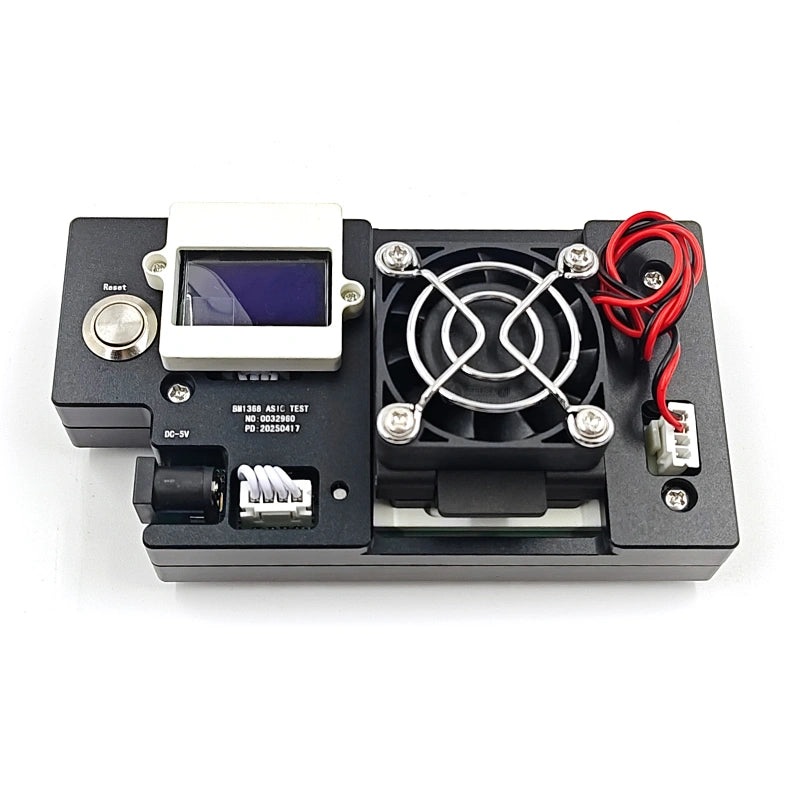
- Pull the hashboard and bench it on a Whatsminer M30/M50 test fixture so you can isolate it from the rest of the miner.
- Measure the 1.8 V rail across each chip group. Any group reading below spec contains at least one failed chip.
- Narrow down by heating each chip in the suspect group with hot air (brief, 60–70°C surface) — the shorted chip will typically heat up faster than its neighbors because it's pulling more current.
- Replace the failed chip with a fresh KF1950 (or KF1968/KF1968E for M30S++). Screw-mounted heatsinks are a real advantage here — you don't need to desolder the heatsink to access the chip.
After reflow, retest on the fixture before returning the board to the miner. A board that reads clean voltage on all domains but still fails to hash often has a second weak chip that will fail within hours of production load.
Failure #3: Error 530 — SM0 Detection Fault
Error 530 on the M30S family means "SM0 detection failed" — essentially, the control board can't read a valid state machine response from a hashboard. In 80%+ of cases this turns out to be a fan issue, not a hashboard issue, which surprises people.
The M30S firmware monitors fan RPM as part of the boot-time safety check. If a fan reports 0 RPM, reports erratic RPM, or has a disconnected signal wire, the control board interprets this as an unsafe thermal state and refuses to spin up the hashboards — and the resulting symptom is logged as SM0 rather than as a fan fault, which sends repair techs looking in the wrong place.
Check in this order:
- Inspect both fan connectors at the control board. Reseat them — the 4-pin connector is notorious for vibration-induced partial disconnect.
- Power on and verify both fans spin up and ramp. A fan that starts, runs for 2–3 seconds, then stops has a failing bearing or a bad tach signal.
- Swap in a known-good KZ14038B012U 14 cm 4-pin fan (the standard M30/M31/M32 fan) on the suspect position. If the error clears, the original fan is the fault.
- Only after both fans are confirmed good should you look at hashboard/control board communication.
Failure #4: Fan Mechanical Failure
On-site dust kills M30S fans faster than anything else. The 14 cm ball-bearing fan design is durable but not invincible — at dusty sites the bearings clog and the blades warp from heat. Symptoms include reduced RPM (the fan spins but can't reach setpoint), audible bearing rattle, and in late-stage failure, a fan that won't start from stationary.
Because Whatsminer firmware allows operation with one fan down at reduced performance, many operators don't even know they have a fan failure until the unit throttles. Check the fan telemetry in the web UI — both fans should report similar RPM. A >20% delta between the two is a signal one is failing.
Replacement is straightforward: four screws per fan, swap the connector, zip-tie the wiring away from the blades. Use the exact part (KZ14038B012U or equivalent) — the tach signal and PWM response curve matter for the firmware's thermal control loop.
Failure #5: Control Board / Adapter Board Communication
If PSU is good, fans are good, all three hashboards test clean on the fixture, but the assembled miner still won't hash — look at the adapter board between the control board and the hashboards.
The M30S uses a small riser/adapter board (the M20/M30 adapter board) that sits between the controller and the hashboard backplane. These boards have a high failure rate relative to their cost — the connectors take thermal stress and the trace routing is dense. A bad adapter board produces intermittent communication errors that look like hashboard faults.
Before replacing the full CB4v10 H6 control board (the standard M20/M30/M31/M32 controller, a significantly more expensive part), swap the adapter board first. It's a 5-minute job and resolves a meaningful share of "dead controller" cases.
Quick Triage Reference
| Symptom | First Check | Most Likely Fix |
|---|---|---|
| Error 236 / 255 / 268 | PSU output at 12 V bus | PSU replacement (70%) or shorted hashboard |
| Hashboard not detected / chip count short | 1.8 V rail per chip group | KF1950 or KF1968 chip replacement |
| Error 530 (SM0) | Both fan connectors + RPM | Reseat connector or swap fan |
| Reduced hashrate / throttling | Fan RPM delta > 20% | Fan replacement (KZ14038B012U) |
| Intermittent hashboard loss after bench-clean | Adapter board | Swap M20/M30 adapter board before control board |
Test Tooling You'll Actually Use
For a bench that services M30S units regularly, two fixtures carry almost all the workload: the M30/M50 series test fixture for hashboard-level testing, and the older M20/M21/M30/M31 fixture for the earlier KF1920/1921/1930 chip variants still in circulation.
Beyond fixtures, the essentials are an oscilloscope (for the clock voltage check described in Failure #2 — a DMM will mislead you), a good hot air rework station for chip replacement, and a stock of spare fans, adapter boards, and common chips so you can actually complete repairs instead of ordering parts mid-job.
Parts to Keep in Stock
Based on what we ship week after week for M30S repairs, the high-turnover parts are:
- KF1950 chips (for M30S and M30S+ hashboard chip replacement)
- KF1968 / KF1968E chips (for M30S++ and the M50/M53 shared chip)
- KZ14038B012U 14 cm 4-pin fans
- M20/M30 adapter boards
- Thermal paste / putty for heatsink reseating after chip replacement
Control boards and PSUs are lower-turnover but higher-cost — worth stocking one or two of each if you're running a dedicated repair operation, but not in every operator's inventory.
The LYS Technical Team is based in Shenzhen, China, where we operate a dedicated ASIC mining hardware repair workshop. With over a decade of hands-on experience repairing Antminer, Whatsminer, and Avalon mining equipment, our team supplies spare parts and repair services to mining operators in over 40 countries. Every article we publish is written and reviewed by working repair technicians.
Source Parts for Your M30S Fleet
We stock the full M30S family repair catalog — chips, fans, adapter boards, control boards, PSUs, and test fixtures — all bench-tested before shipping.
→ Browse Whatsminer Repair Parts
For bulk pricing, cross-platform sourcing, or help identifying the right chip family for a specific board revision, contact us at contact@lys-sz.com or via WhatsApp.