Hashboard Fault Diagnosis: The Cheapest-First Order, From Connectors to Chips
A hashboard that stops hashing can have a dozen causes, and they do not cost the same to find. A loose connector takes a minute to check. A failed boost circuit takes a multimeter and a reference board. A single dead chip on the signal chain takes a test fixture, a hot-air station and a replacement part. The most expensive mistake in repair is not a wrong chip swap. It is starting at the expensive end of that list when the fault sits at the cheap end.
This guide sets out the order we work through on the bench: from the checks that cost nothing and rule out the most common causes, down to the chip-level work that only makes sense once everything above it has been cleared. It is a method, not a model-specific procedure. For board-level component lists and test points for your exact model, use the repair guides linked at the end.
Why the order matters
Public repair documentation and community failure reports are consistent on the broad picture, even though none of them publishes hard failure rates. Connection faults (cables, connectors, loose terminals) are described as the cheapest and most frequent cause of a board that is "not detected". Power-domain faults are a leading cause of boards that show zero chips. A single dead or cold-soldered chip that breaks the daisy chain is among the most reported chip-level faults. Power supply faults are the dominant non-chip family. Thermal interface degradation shows up as overheating rather than a dead board.
We want to be precise about what that does and does not tell you. It tells you the likely ranking of causes. It does not give you percentages, and you should not plan around invented ones. What it supports is a sensible rule: check the cheap, common causes first, and only escalate when each one is cleared.
Step 0: Read the log before touching the machine
Open the miner's kernel or status log and note which board, which chain and what kind of fault it reports. The useful distinctions are:
- A chain not detected at all
- A chain detected with fewer chips than expected
- Temperature sensor errors or over-temperature shutdowns
- Communication errors such as register or CRC faults
Write down which slot the board was in. You will need it for the swap test in Step 2. Each of these symptoms points to a different branch of the checklist below, and a communication error is a different problem from a missing chain. Our guide to Reg CRC errors on Antminer S19 and S21 covers that branch in detail.
Step 1: Physical inspection and connections
Power the machine down, let it cool and inspect. Look for:
- Data cables not fully seated, bent pins or damaged ribbon cables
- Power connectors with discoloured, melted or corroded contacts
- Loose terminal bolts on models where the board's power connects through bolted copper bars
- Visible burn marks, swollen components or liquid residue on the board
Reseat every connector on the suspect chain. If a contact is corroded, replace the connector or cable rather than cleaning and hoping. These parts are inexpensive and are the first thing worth holding in stock. See our connectors and headers and data cables and adapters collections.
Step 2: The swap test
Before deciding the board is faulty, find out whether the fault follows the board or stays with the slot. Move the suspect hashboard to a different position, or swap its data cable with a known-good one, and restart. Three outcomes are possible:
- The fault moves with the board. The board is the problem. Continue to Step 4.
- The fault stays in the same slot. Suspect the cable, the connector on the control board, or the control board itself.
- The fault disappears. You had a seating or contact problem. Note it and monitor.
This step costs a few minutes and has saved more unnecessary board replacements than any instrument on the bench.
Step 3: Check the power supply under load
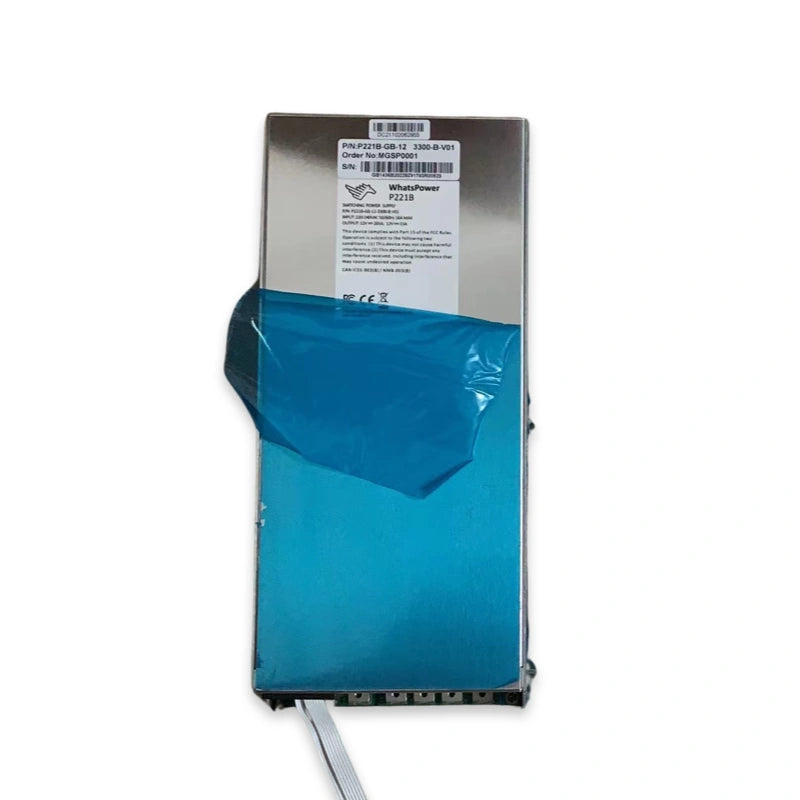
A power supply that sags under load can look exactly like a failing hashboard. Measure the output voltage at the board with the machine running and compare it with the PSU's rated output. If the supply is unstable, fix that first. A good board on a bad PSU will keep failing, and a new board will not change that. Our Antminer PSU diagnosis and replacement guide walks through the tests, and the power supply collection covers replacements.
Step 4: Hashboard power domains
With the board removed from the machine, look at the voltage tree. Hashboards divide their chips into voltage domains, and a fault in one domain can take a whole chain down. The workflow is:
- Check for shorts on the supply rails before applying power. A short found at this stage saves components.
- Power the board on a bench supply or fixture and measure each domain against a known-good board of the same model. Comparing against a reference board avoids relying on remembered numbers.
- Where a domain reads wrong, trace back to the boost or regulator stage and its filter capacitors.
This is where DC power modules and voltage regulators come in. They are the most common replacement at this stage, and they are cheaper than a chip rework.
Step 5: Locate the faulty chip with a test fixture
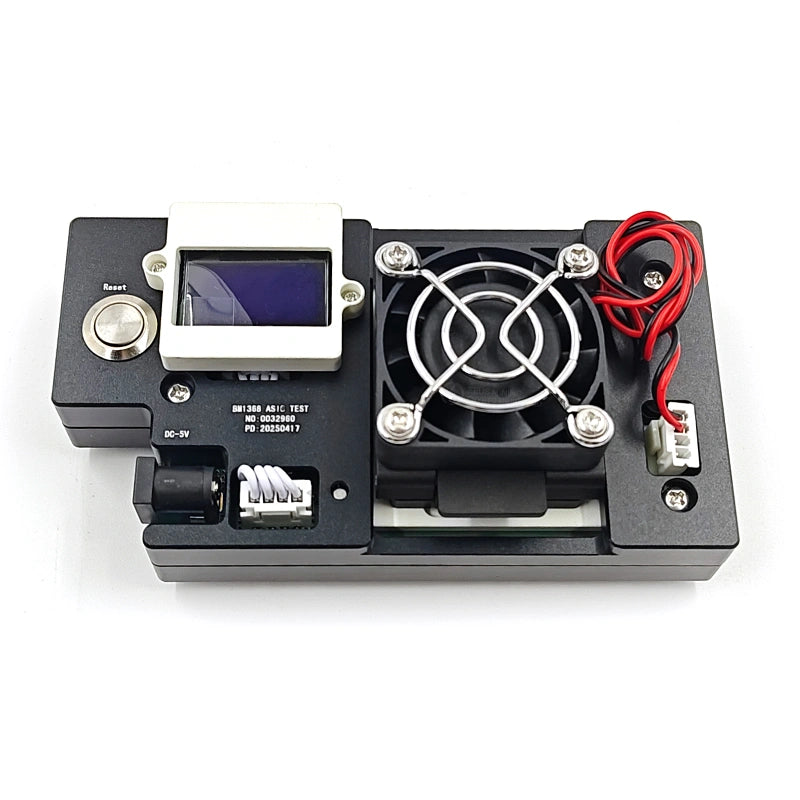
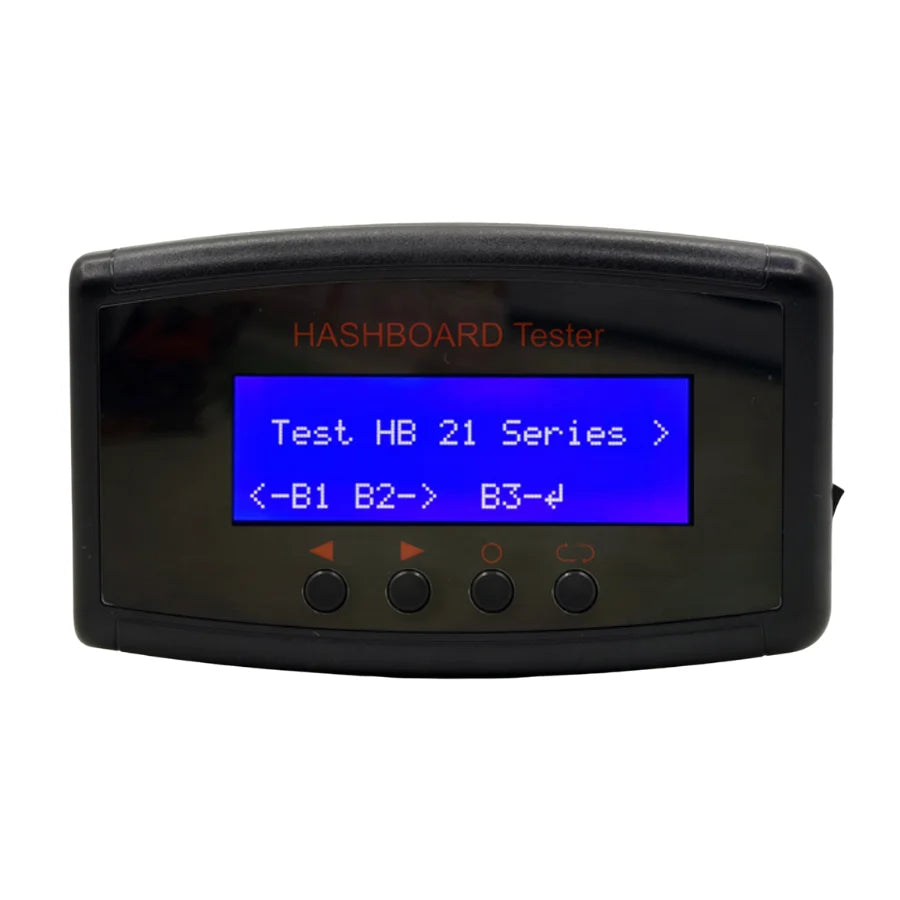
If connections, PSU and power domains are clear, the fault is on the signal chain. A hashboard test fixture lets you power and scan the board outside the miner and identify the point where the chain breaks. Our guide to the K3L multi-function hashboard tester shows the process, and the test fixture collection covers the options by generation. Match the fixture to the chip generation. The wrong fixture gives misleading results.
Step 6: Thermal contact and chip rework
Only now should you consider replacing a chip. Before you do, check the thermal interface. Dried or uneven paste and poor heatsink contact cause overheating, and overheating can mimic a chip fault. If the paste needs redoing, follow our re-paste guide and use the correct stencil for your model, as described in the S21 series stencil guide.
If the chip is the fault, BGA replacement needs a controlled reflow profile and the right tooling. See the ASIC chip tin tools and the chips and repair components collections, and the Antminer ASIC chips reference for identifying the right part. Rework is the step that can damage a board permanently, which is why it comes last.
Step 7: Verify under load
A board that passes a quick scan is not necessarily repaired. Run it in a machine under real load for a sustained period and watch the log for chip count, temperatures and errors before returning it to service. If a fault reappears, go back to the step the symptoms point to rather than repeating the same repair.
What to keep on the shelf
The diagnostic order maps directly to a stocking order. The parts consumed most often by Steps 1 to 4 are connectors, cables, DC power modules, filter components and fans. Chips and rework consumables matter, but they are the end of the chain. A bench that is stocked from the cheap end of this list can clear most faults without waiting on a shipment. For sizing it to your fleet, see our 12-month standing stock budget template, and for sourcing priorities by model see the Antminer hashboard parts sourcing guide.
FAQ
Why not go straight to the test fixture?
Because a fixture finds chain faults, and a large share of "dead board" calls are not chain faults. Running the cheap checks first stops you spending hours on a board that only needed a cable.
Can I trust a swap test on a machine with a suspect control board?
Yes, as long as you change one thing at a time. Swap the board or the cable, not both, so you know what moved the fault.
Do these steps apply to every Antminer model?
The order does. Voltages, test points and component values differ by model, so use the model-specific repair guide, such as the T21 and S21 hashboard repair guide or the S19j Pro guide.
Source your diagnostic and repair parts
Tell us your models and bench setup and we will quote a parts package starting from the cheap end: connectors, cables, DC modules, fixtures and consumables. Browse the repair tools and instruments or contact us directly.
Email: contact@lys-sz.com
Direct from our warehouses in Shenzhen. Worldwide shipping. DDP available for buyers in the US and the EU. Latam, SE Asia, Middle East, CIS, Africa quoted case by case.